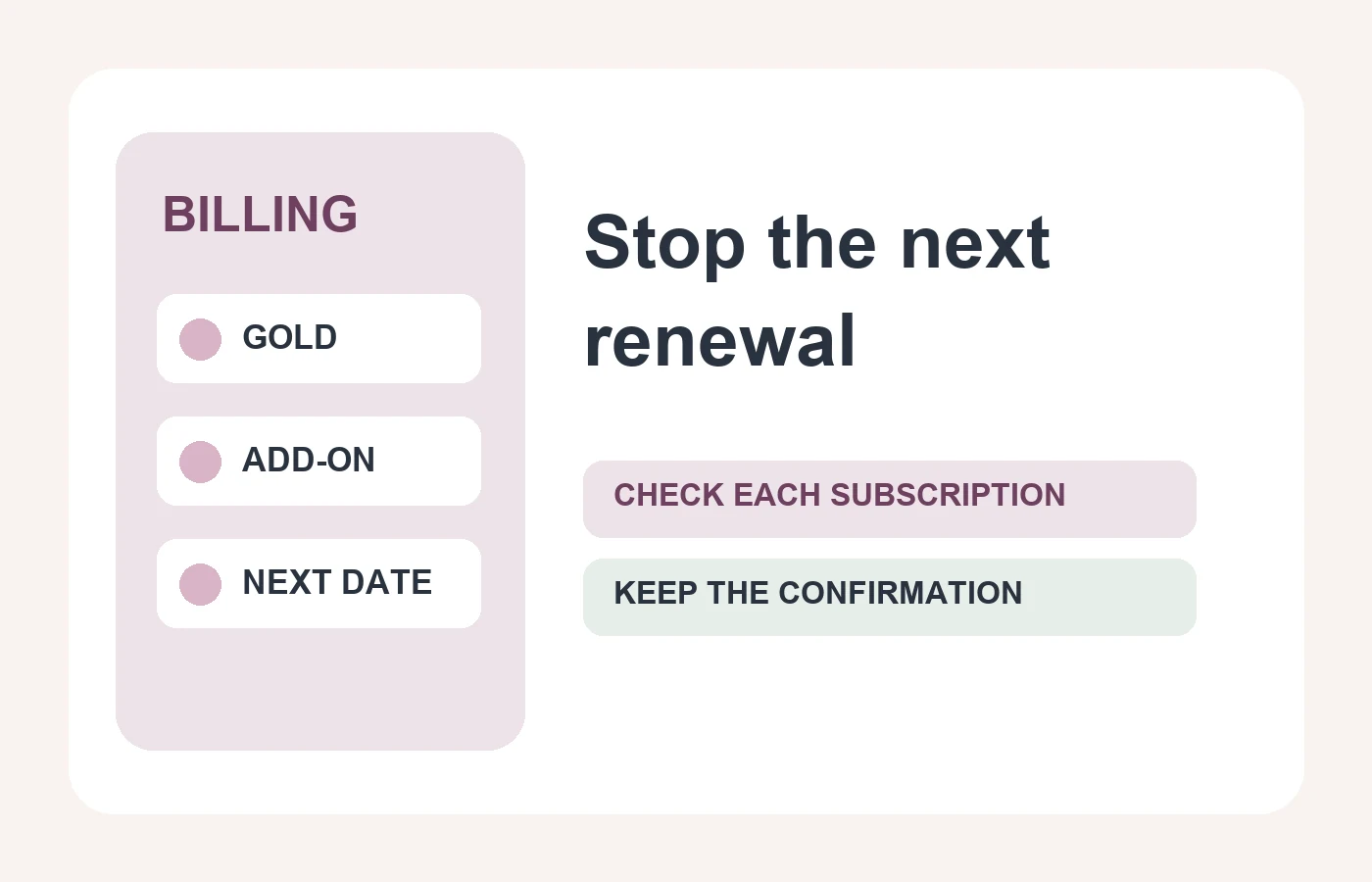
To cancel AdultFriendFinder Gold auto renewal, sign in, open My Stuff → My Account → Billing History & Credit Card Info, turn off Auto Renew for the relevant subscription, choose Cancel Auto Renew rather than a temporary pause, and submit the confirmation. Then return to the billing page and check the status of every paid subscription listed there. That path comes from AdultFriendFinder’s own Auto Renew instructions. Menu labels may change; use the receipt and current account screen as the final record of what you bought and changed.
The important distinction is between four separate actions: stopping a future renewal, ending paid access before its expiry, asking for a refund, and hiding or deleting a profile. One action does not prove the others happened. This guide turns AdultFriendFinder’s published help into a receipt-first checklist. We have not canceled a paid membership in a live account or tested the current checkout for every region.
First, make an inventory of the charges you need to stop
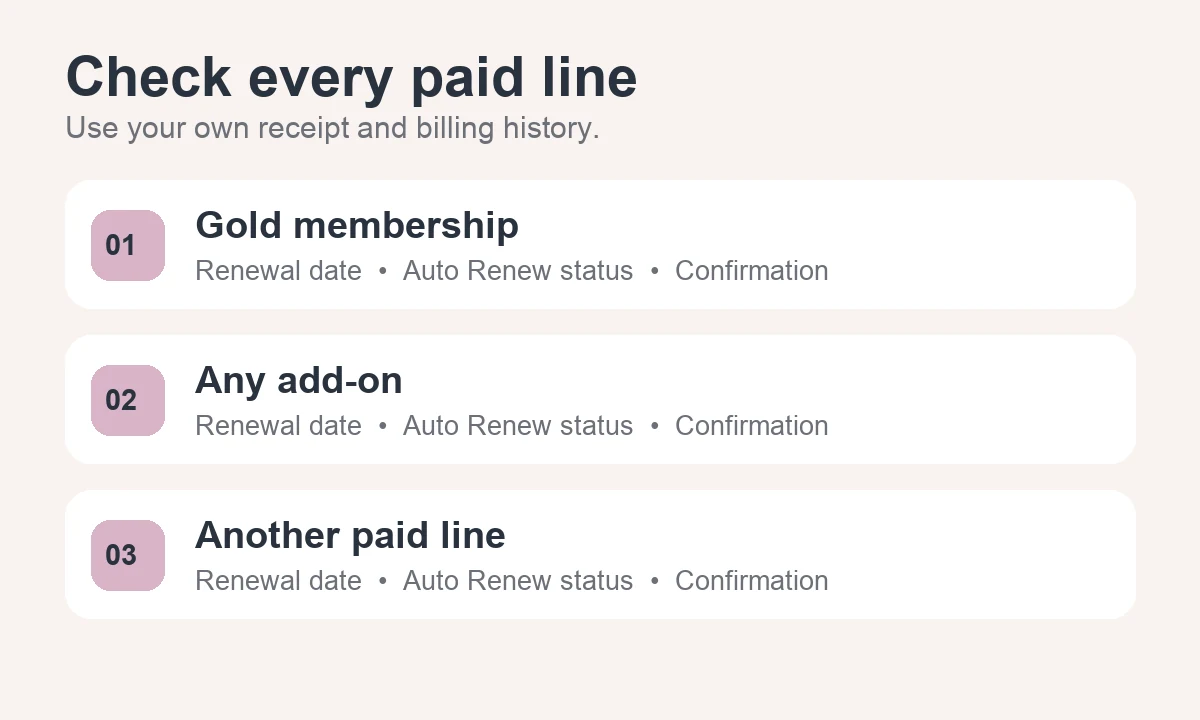
Open your purchase receipt and the account’s billing history. Write down each line’s name, renewal date, amount and payment route. AdultFriendFinder’s official billing FAQ distinguishes Gold from add-on subscriptions such as VIP, Highlight and Standard Contact, and says Message Highlight can be a standalone subscription. The exact products in your account may differ. A Gold cancellation is therefore not enough evidence that every add-on has stopped renewing.
If you cannot match a charge to a subscription, do not guess from a bank statement abbreviation alone. Compare the date and amount with your receipts and billing history, then ask AdultFriendFinder support about the unmatched line. Do not email a password, full card number or identity document to establish what was purchased.
Turn off Auto Renew for each paid line
- Open the billing page: after signing in, use My Stuff → My Account → Billing History & Credit Card Info. If the layout differs, look for the account’s subscription or billing history section rather than following a copied screenshot blindly.
- Find the subscription line: identify Gold by its name and renewal date. Inspect every other paid line separately. The official help says there is an Auto Renew toggle next to each subscription.
- Choose the durable option: after switching Auto Renew off, the help page describes a confirmation screen offering a one-, two- or three-month pause or Cancel Auto Renew. If your goal is to stop future renewals, choose Cancel Auto Renew and submit. A short pause can allow billing to resume later.
- Read back the result: return to the billing history and verify that Auto Renew is off for Gold and for each add-on you intended to stop. Record the subscription name, expiry date, displayed status and confirmation message or email. If the status is unclear, contact support before the listed renewal date.
Do not press a purchase, upgrade or reactivation control while trying to confirm cancellation. The official Auto Renew help page explains the pause-versus-cancel choice and says the selection must be submitted; toggling a switch without completing the confirmation is not the same as a verified change.
What changes after you cancel Auto Renew?
According to AdultFriendFinder’s billing FAQ, turning off renewal for an active subscription leaves that subscription active until its expiration date. It prevents the next automatic renewal; it does not by itself end the current paid period or create a refund. Check the expiration shown in your account and keep access only if you still want it. If the subscription has already renewed, the effective date and any refund question need separate review.
If you want paid access to end before the current expiry, the same FAQ directs members to customer service by phone, email or live chat. Its July 2026 wording says a prorated refund may be issued if the request is made before expiry and within 170 days of the original purchase. The published Terms of Use generally exclude refunds for unused subscription days, while describing cancellation rights for residents of specified U.S. states. The FAQ describes a possible discretionary outcome; the Terms and applicable law determine what rights you can rely on. Do not treat the 170-day statement as a guaranteed refund or a reason to delay a time-sensitive request. Check the current terms for your location, tell support the purchase date and subscription line, and ask for a written decision.
Keep profile visibility and account deletion separate
Stopping a charge does not automatically hide your profile. AdultFriendFinder’s general FAQ describes Settings → Account → Delete Account, while its account-closing help uses Settings → Close Account → Please Delete My Account and also describes a Hide my profile option. Those are two official descriptions, so follow the labels in your current account instead of assuming either path is universal. The privacy FAQ says deletion generally removes profile access but points to the privacy policy for retention practices. None of these statements proves an unresolved subscription or charge has been canceled.
If you intend to leave the site entirely, first document and confirm the billing changes, then decide whether to hide or delete the profile. Save only the records needed for a billing question; avoid keeping screenshots that expose other members’ private data. Deleting a browser bookmark or the app from a device does not show what happened to the subscription on the account’s billing page.
Use a four-part confirmation record
For each paid line, record (1) the product name, (2) the next renewal date, (3) the new Auto Renew status, and (4) the confirmation or support reference. This is our editorial method for avoiding a common ambiguity: “I canceled Gold” may mean one subscription was turned off while a separate add-on remains active. A screenshot of the off status and a confirmation email are more useful than relying on a memory of which button was pressed. If support handles the change, ask which specific subscriptions its reply covers.
Our AdultFriendFinder review compares Gold, optional features and privacy trade-offs before purchase. The checklist here is for someone who already has an account and needs to verify what will happen next.
Frequently asked questions
Is “Pause Auto Renew” the same as canceling it?
No. AdultFriendFinder’s help page describes a pause for one, two or three months as temporary, while Cancel Auto Renew stops the subscription from renewing in the future. Choose based on the result you actually want and verify the status after submitting.
Does canceling Gold also cancel VIP or other add-ons?
Do not assume it does. The official billing FAQ lists Gold and separate paid subscriptions, and the Auto Renew help describes a control for each subscription. Inspect every paid line in your own billing history and confirm each one you intend to stop.
Will I receive a refund when I turn off Auto Renew?
Not automatically. The billing FAQ describes a possible prorated early-cancellation refund under stated timing conditions, while the Terms of Use generally exclude refunds for unused subscription days and describe some location-specific rights. Ask support about your purchase promptly and retain the written response; neither the FAQ nor this guide promises reimbursement.
What if I cannot find the subscription or cannot sign in?
For an unidentified charge, compare your receipt with the official AdultFriendFinder billing help and ask support which subscription it belongs to. If you cannot sign in, use the login page’s Forgot password or Forgot login option described in its account-recovery help. Send only the minimum information support requests through an official channel; never send your password or a full card number by ordinary email.
Does deleting my account erase all of my data?
The official privacy FAQ says deletion generally removes profile access, but directs members to the privacy policy for retention details. It does not promise immediate erasure of every record. If data handling matters to you, review the current policy and ask the platform a specific question about your account.